
Screen switching
Turn your head toward another display and focus moves there after a short, adjustable delay (300 ms by default). Quick glances are ignored, and it won’t flicker at the edge between two screens.
Focus follows where you look
$12.99v1.0.4macOS 14+Universal
Stop clicking a window before you type. Swivel sits in your menu bar and uses your Mac’s camera to notice which screen, window or split pane you’re facing. Turn toward it, and it already has the keyboard, with the pointer right there.
abf41f42…acf03e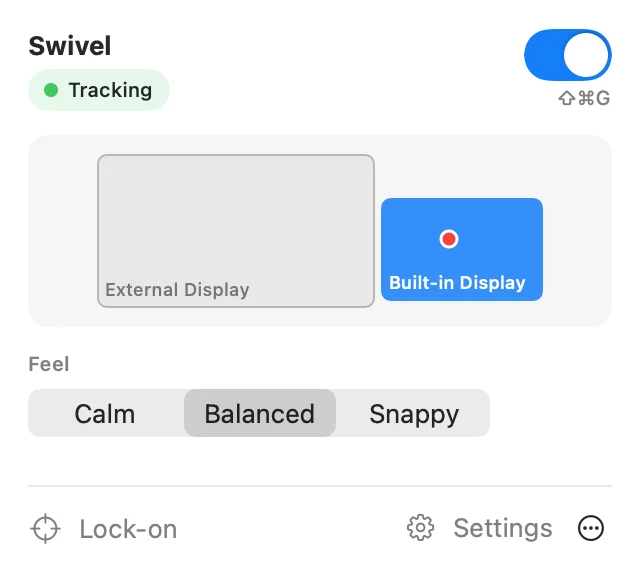
Features
Built for people who work across several screens, windows and split terminals, and are tired of clicking just to move the keyboard.
Turn your head toward another display and focus moves there after a short, adjustable delay (300 ms by default). Quick glances are ignored, and it won’t flicker at the edge between two screens.
On the same screen, Swivel focuses the window you look at, and the split pane in iTerm2, Terminal, Ghostty, Warp, kitty, WezTerm, VS Code, Cursor, Windsurf, Zed, Xcode, JetBrains IDEs and more. Other apps switch as whole windows.
Swivel waits while you type or use the mouse, never moves focus away from apps you exclude (Zoom while presenting, say), and pauses with ⇧⌘G.
About 20 seconds per screen: look at each dot and hold still, and Swivel moves on by itself. It keeps learning from your clicks and tells you when accuracy drops, for example after you move a monitor.
Choose Calm, Balanced or Snappy, or drag the switch line and watch your head move along the bar in real time.
Camera frames are analyzed in memory on your Mac with Apple’s Vision framework and are never saved, recorded or sent anywhere. No account, no analytics.
Focus
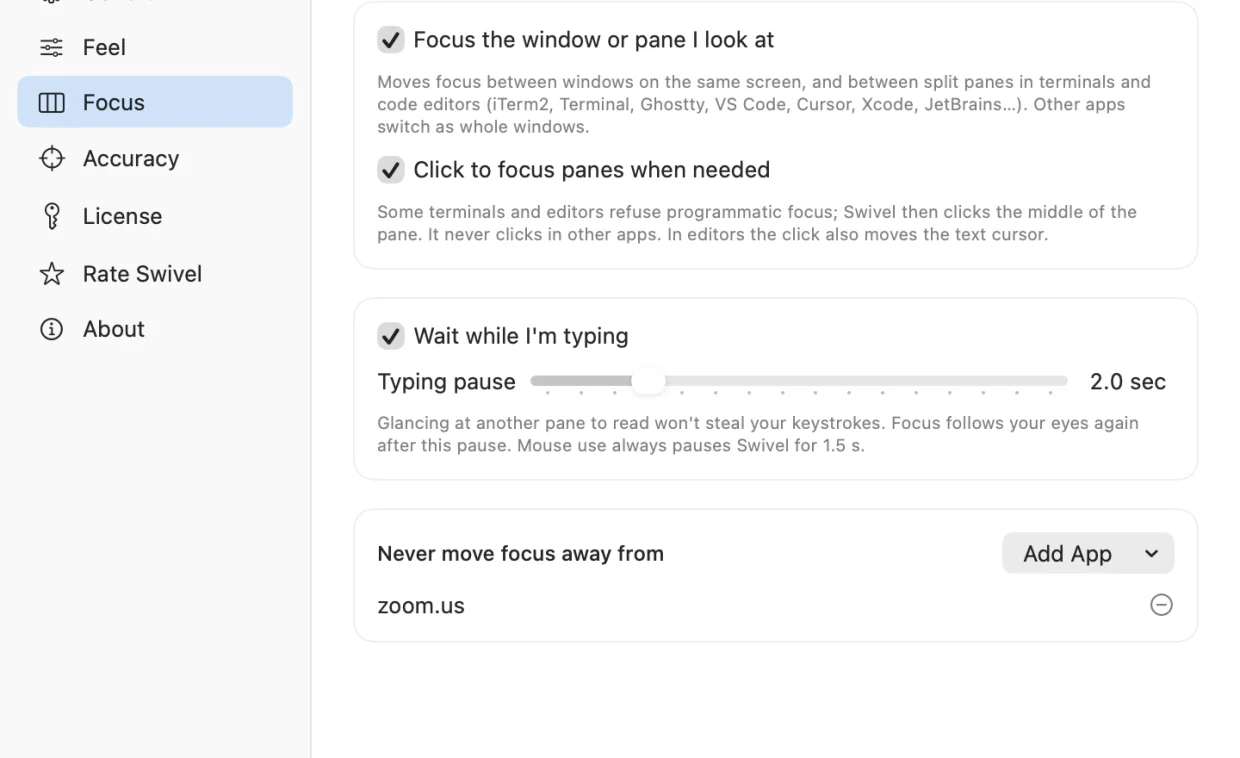
Split terminals and editors are where clicking to focus hurts most. Swivel moves focus between panes as you look from one to another, waits while you’re typing, and never takes focus from the apps you list.
Feel
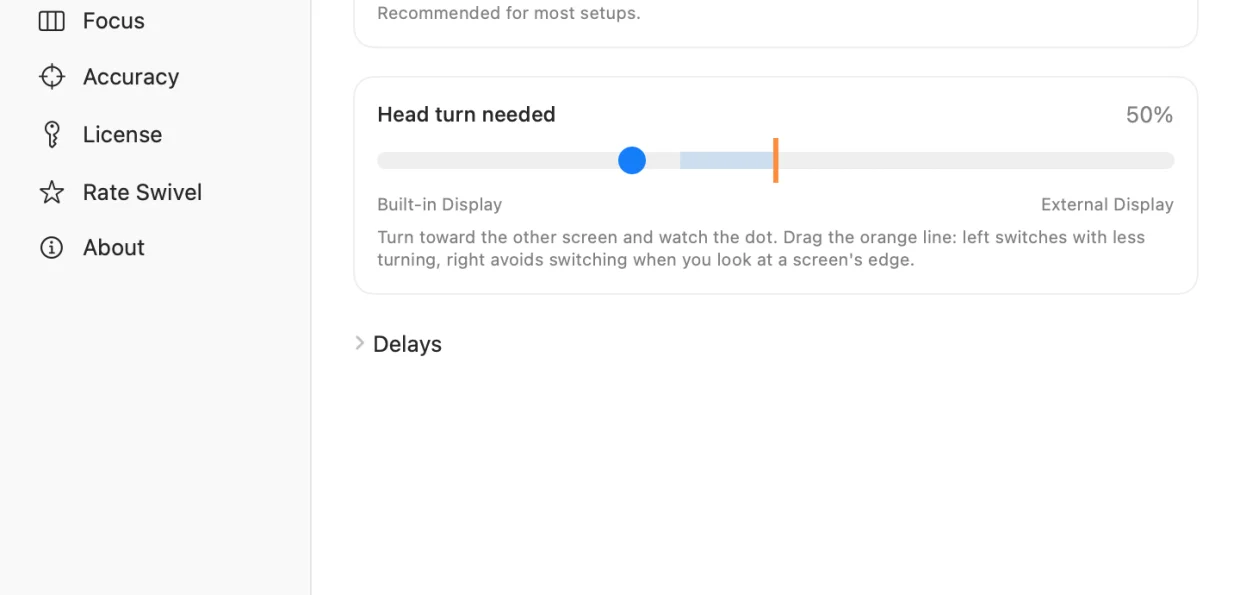
Pick how far you need to turn and how long Swivel waits before switching. The live bar shows your head position against the switch line, so you can tune it while you look.
Specs
abf41f42d2dda8606a511981889e55c490184e57e26acc90923ae23906acf03eFAQ
Mostly your head direction, refined by eye position and by where you click. It’s built to pick the right screen, window or pane, not to place a cursor.
No. Frames are analyzed in memory on your Mac and discarded. They are never saved or sent anywhere.
No. With one display, Swivel focuses the window or split pane you look at.
Download Swivel and use everything free for 3 days. The trial starts when you finish your first Lock-on calibration. To keep using it, buy a license key ($12.99, one time) and paste it into Swivel › Settings › License.
Each key works on 2 Macs. To move it, open Swivel › Settings › License › Deactivate on This Mac, then activate it on the new one.
Yes. Activation needs the internet once; after that Swivel re-checks the key about once a week and keeps working if it can’t connect.
Swivel has a free 3-day trial so you can check that it works with your camera, lighting and screens before you pay. Because of the trial, purchases are final, except where the law requires otherwise. If something isn’t working, email support@bitcolossus.com with your order number and we’ll help.
Focus follows where you look
All apps
Keep your Mac awake with one click
A one-switch menu bar app that stops idle sleep during long downloads, builds and presentations.
Your BandwagonHost data transfer, always in view
A menu bar ring that shows how much of your VPS’s monthly data transfer is left, with forecasts and alerts.
Turn off an external monitor without unplugging it
A menu bar switch that disconnects a display from your desktop and brings it back when you need it. Free during the beta.